By Sarina Gomez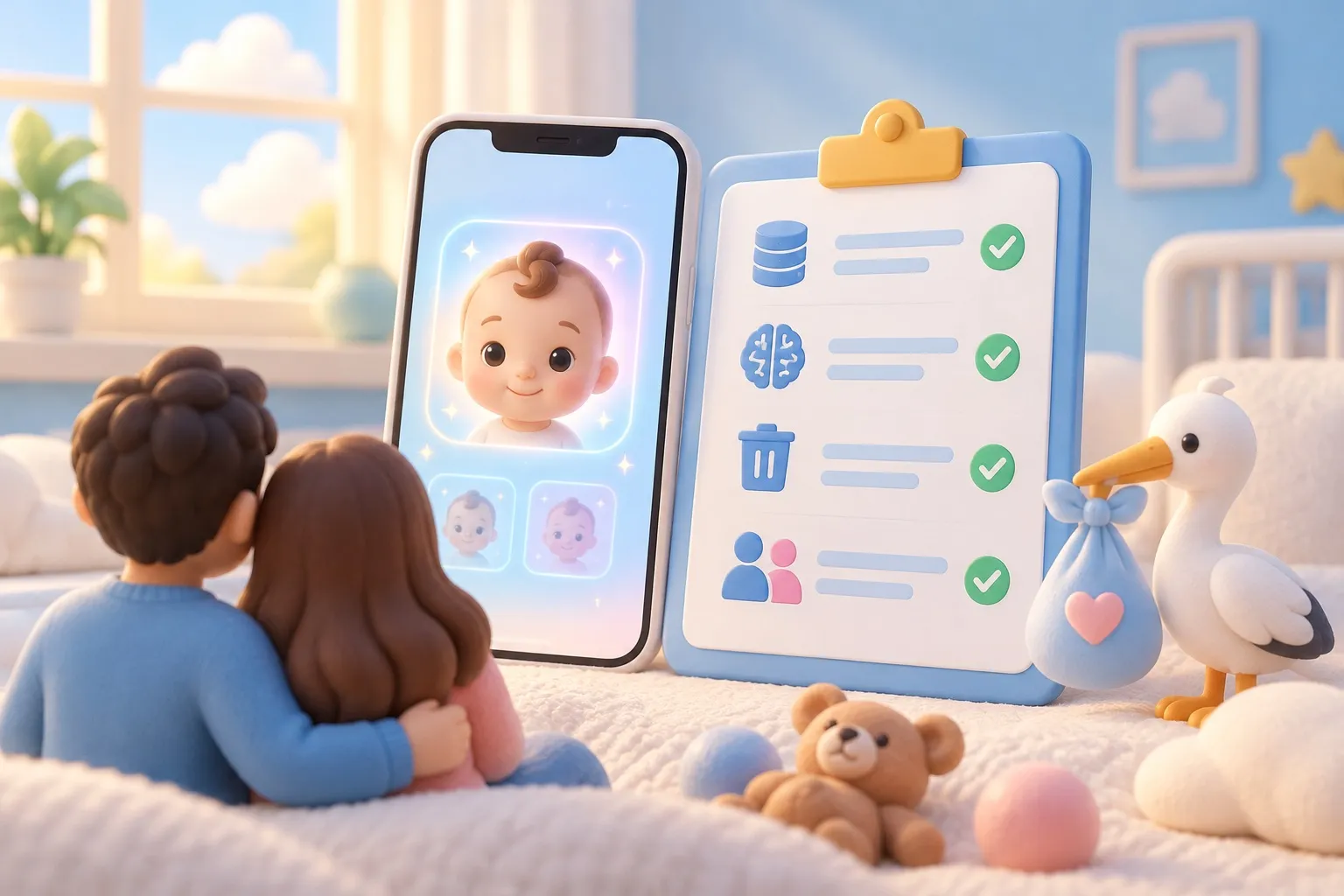
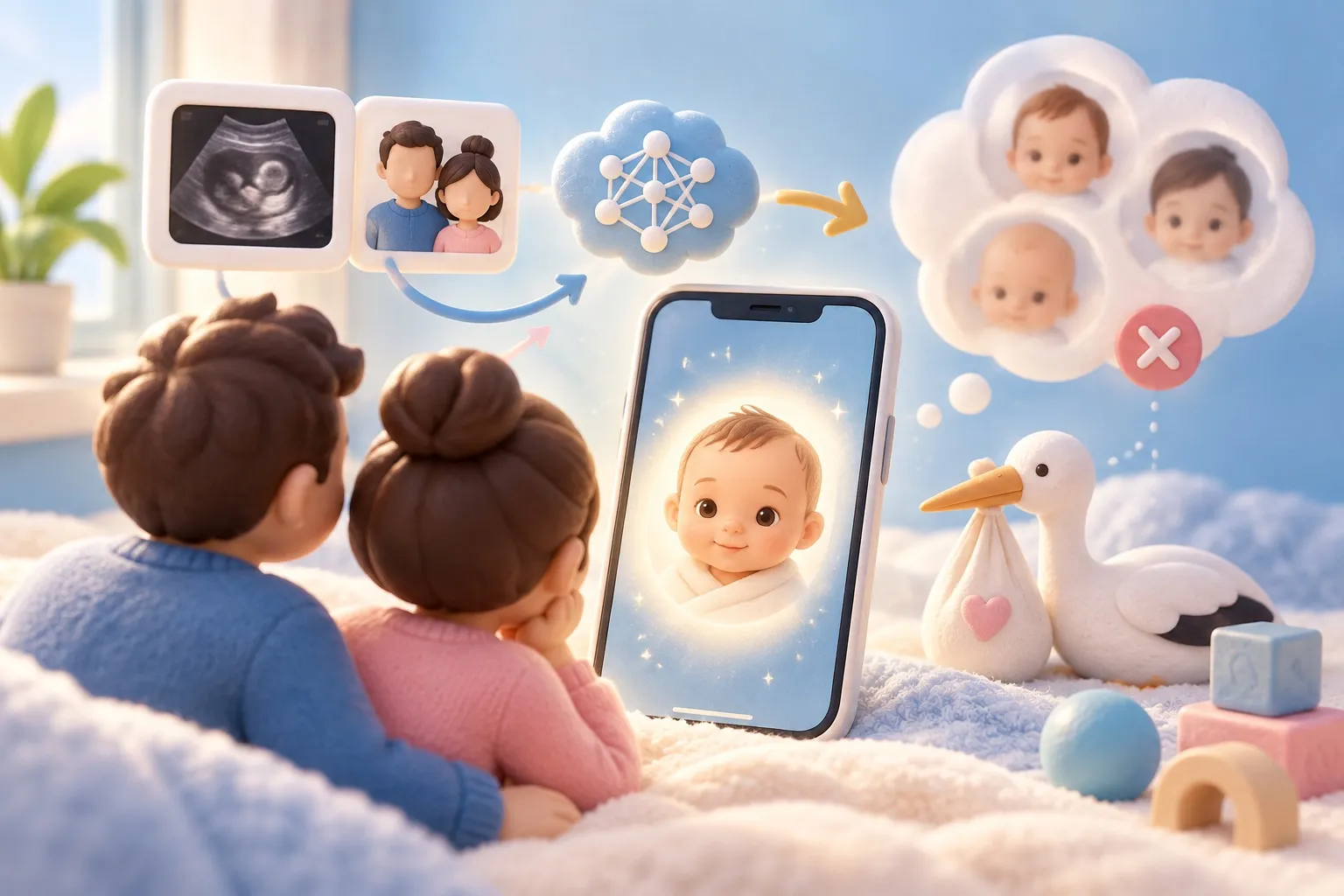
An AI baby generator is as safe as its data handling, and you can check that in about five minutes before you upload anything. The real questions are where your photos go, how long they’re kept, whether they’re used for anything else, and whether the other person in the photo agreed. Below is a seven-point checklist you can run on any app, with SeeMyBaby’s own handling as a worked example.
Why baby generator privacy is worth checking
These apps ask for some of the most personal pictures you have: your face, your partner’s face, or a scan of your baby. A face photo is personal data. A pregnancy scan can carry a clinic name, dates and sometimes your name in the printed corner. So “is it safe?” is mostly a privacy question, not a question about malware.
The good news is that Apple makes the first check easy. Every App Store listing has an App Privacy section (the “privacy nutrition label”) that the developer fills in, and Apple’s developer guidance spells out what each category means. The label is self-reported, so read it together with the privacy policy.
The 7-point safety checklist
Run these in order. If an app fails one of the first three, think twice.
| # | Check | Where to look | Good sign |
|---|---|---|---|
| 1 | What data is collected, and is it linked to you? | App Store, App Privacy section | “Photos or Videos” not listed under “Data Linked to You” |
| 2 | How long are photos kept? | Privacy policy, “retention” | A specific limit in hours or days, or “not stored” |
| 3 | Are photos used for anything else, such as training AI? | Privacy policy | A clear “no”, or a clear opt-out |
| 4 | Who else processes the photo? | Privacy policy, “third parties” or “processors” | The AI provider is named |
| 5 | Can you delete your data? | Privacy policy and the app’s settings | An in-app delete button |
| 6 | What do you have to sign up with? | First launch | No name or email needed just to try it |
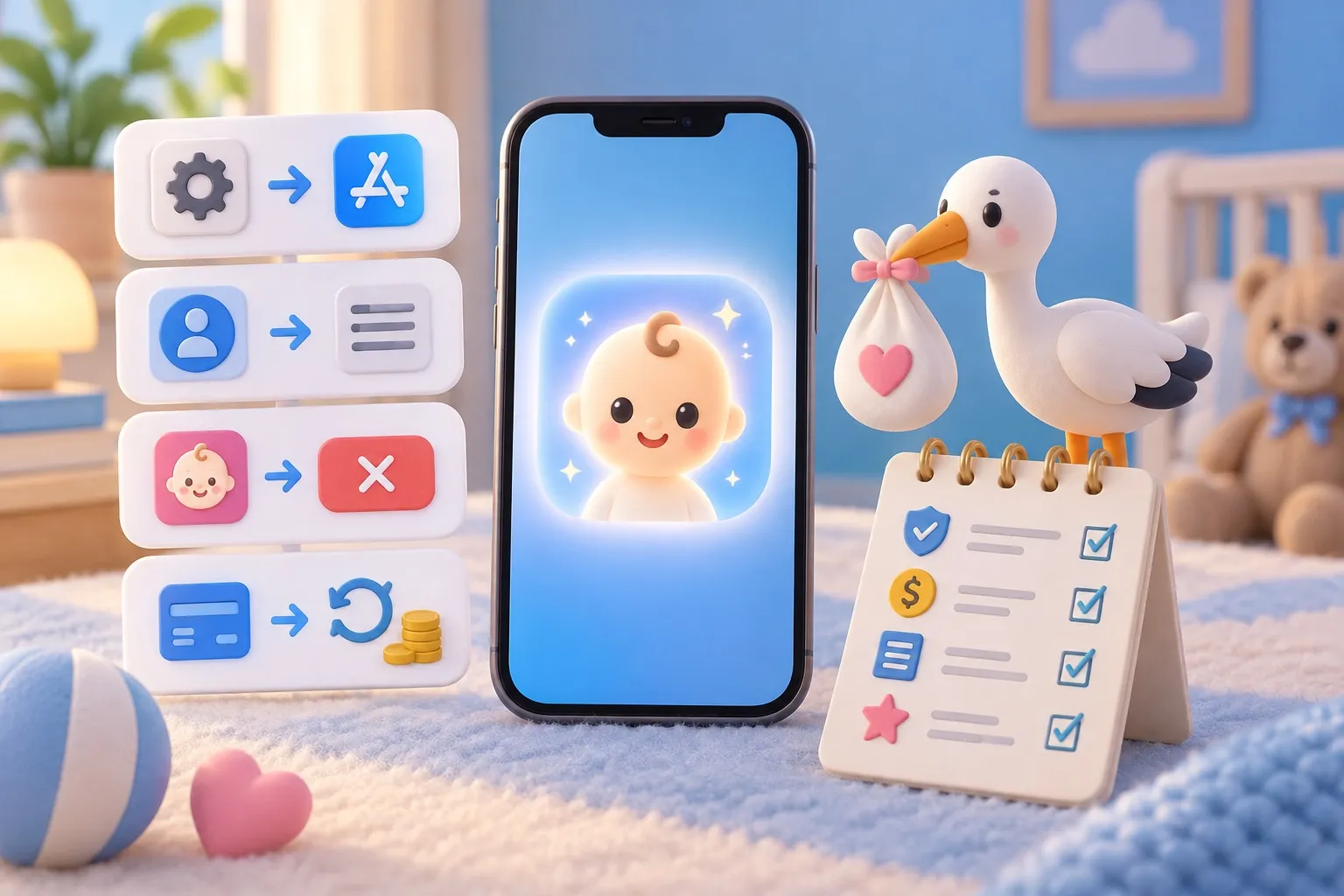
| 7 | How do you cancel? | Pricing page or App Store listing | Standard Apple subscription, cancel in Settings |
1. Read the privacy label
The label has three headings: Data Used to Track You, Data Linked to You and Data Not Linked to You. Photos sit under the “User Content” category. If “Photos or Videos” shows up under “Data Used to Track You”, your pictures are being tied to advertising data. That’s a clear reason to pass.
2. Find the retention period
Search the policy (on a phone, use “Find on Page”) for “retain”, “store” and “delete”. Vague wording such as “as long as necessary” tells you very little. A good policy gives a number.
3. Look for the training question
Search for “train”, “improve our services” and “machine learning”. If the policy says uploads may be used to improve models, your face could end up in a training set. If it’s silent, ask support before uploading.
4. Check who runs the AI
Most apps send your photo to an AI provider to render the image. A good policy names the processors it uses. If the policy is silent, treat the photo as shared with an unknown third party.
5. Look for a delete button
An in-app delete option beats an email request. Note whether deleting in the app also removes anything held on the server.
6. Note what the account asks for
Some apps make you register with an email or social login before you can try anything. The less identity attached to your photos, the better.
7. Know how to cancel before you pay
“Baby face generator cancel subscription” shows up in Google’s search suggestions for a reason. Before paying, check that it’s a normal App Store subscription, which you can cancel in Settings → your name → Subscriptions (Apple’s steps). Our guide on cancelling an AI baby generator subscription covers refunds too.
The other parent’s consent
If you upload a photo of your partner, ex or anyone else, ask them first. It’s their face and their data, and some people simply don’t want their picture in an AI app. A quick “Can I put your photo in this baby app? It deletes the photo after” avoids an awkward conversation later.
The same goes for screenshots of a friend’s scan or a celebrity’s photos. Only upload pictures you have the right to use.
Worked example: how SeeMyBaby handles your photos
Here’s the checklist applied to SeeMyBaby’s parents’ photo portrait and ultrasound portrait, based on the app’s privacy policy (updated August 10, 2026):
- Photos in. Uploaded ultrasound and parent photos are held in memory only while the portrait renders. They are never written to disk or a database.
- Portrait out. The finished portrait is held only until your phone confirms it has a copy, and at most 24 hours.
- Who runs the AI. The portrait is rendered by a third-party AI image model.
- Account. Accounts are anonymous. The app never asks for your name, address or date of birth.
- Delete. Portraits live on your phone, and “Delete my account” in Settings removes them from the phone and your history from the servers.
- Cancel. Subscriptions are standard App Store subscriptions, cancelled in iPhone Settings. Prices and what’s included are on the pricing page.
What it doesn’t claim matters too. The app makes an imagined portrait for fun. It’s not a prediction of your baby’s face and not a medical tool.
Is it accurate, and is that a safety issue?
No AI baby generator is accurate in the sense of showing your real child, and that’s worth knowing before you get attached to a result. The face is imagined from patterns the model learned, combined with what’s visible in your photos. Our guide to how accurate AI baby generators are explains why the result is always a guess.
Treat any result as a fun picture, not a forecast, especially an app’s guess about the baby’s sex. If you’re wondering what genetics can and can’t tell you, read what will my baby look like. More guides are on the blog.
Red flags at a glance
Close the app if you see any of these:
- Photos listed under “Data Used to Track You”.
- No privacy policy link, or a policy that doesn’t mention photos at all.
- Language saying uploads may be used to train or improve models, with no opt-out.
- A required sign-up before you can see what the app does.
- Promises of perfect accuracy, or of showing “your real baby”.
- No clear way to cancel or a subscription billed outside the App Store.
Questions parents ask
Is a baby face generator safe to use?
It can be, if it keeps your photos briefly, doesn’t use them for training and lets you delete your data. Check the App Store privacy label and the privacy policy before you upload.
Is there a baby face generator that doesn’t store images?
Some apps process photos without saving them. SeeMyBaby holds uploads in memory only while rendering and never writes them to disk or a database; the portrait itself is kept at most 24 hours on the server.
Do AI baby generators use your photos for training?
It depends on the app. Search the privacy policy for “train” and “improve our services”, and ask support if the policy doesn’t say.
Are AI baby generators legit?
Many are real apps doing what they describe: making an AI-imagined picture. They aren’t legitimate as predictions, so be wary of any app that claims to show your real baby.